








Apple’s new Mac Studio is a stunningly powerful desktop computer that delivers never-before-seen performance to the most demanding users who are pushing the envelope to produce their projects.
We’re talking about video editors, animators, 3D artists, game developers and photographers who are producing, editing and creating usually with massive files and vast amounts of data.
The biggest news about the product is the fact it’s powered by Apple’s brand new M1 ultra processor.
This is a 20 core CPU, up to 64 GPU up to 128GB unified memory (that’s what they used to call RAM) and 800GB/s memory bandwidth.
The M1 Ultra is actually made up of two M1 Max chips which have been fused together to take speed and performance to the next level.

And the 27-inch 5K Retina Apple Studio Display provides an incredibly clear, bright and accurate view of what you’re working.
The fact the word “studio” is included in the name of the new computer and display indicates exactly who the target audience is for these products.
It is those users who have a studio setup producing music, movies, animation and games.
For our review of the Mac Studio – we couldn’t come close to testing the limits of Apple’s new desktop computer with our pretty basic workflow.

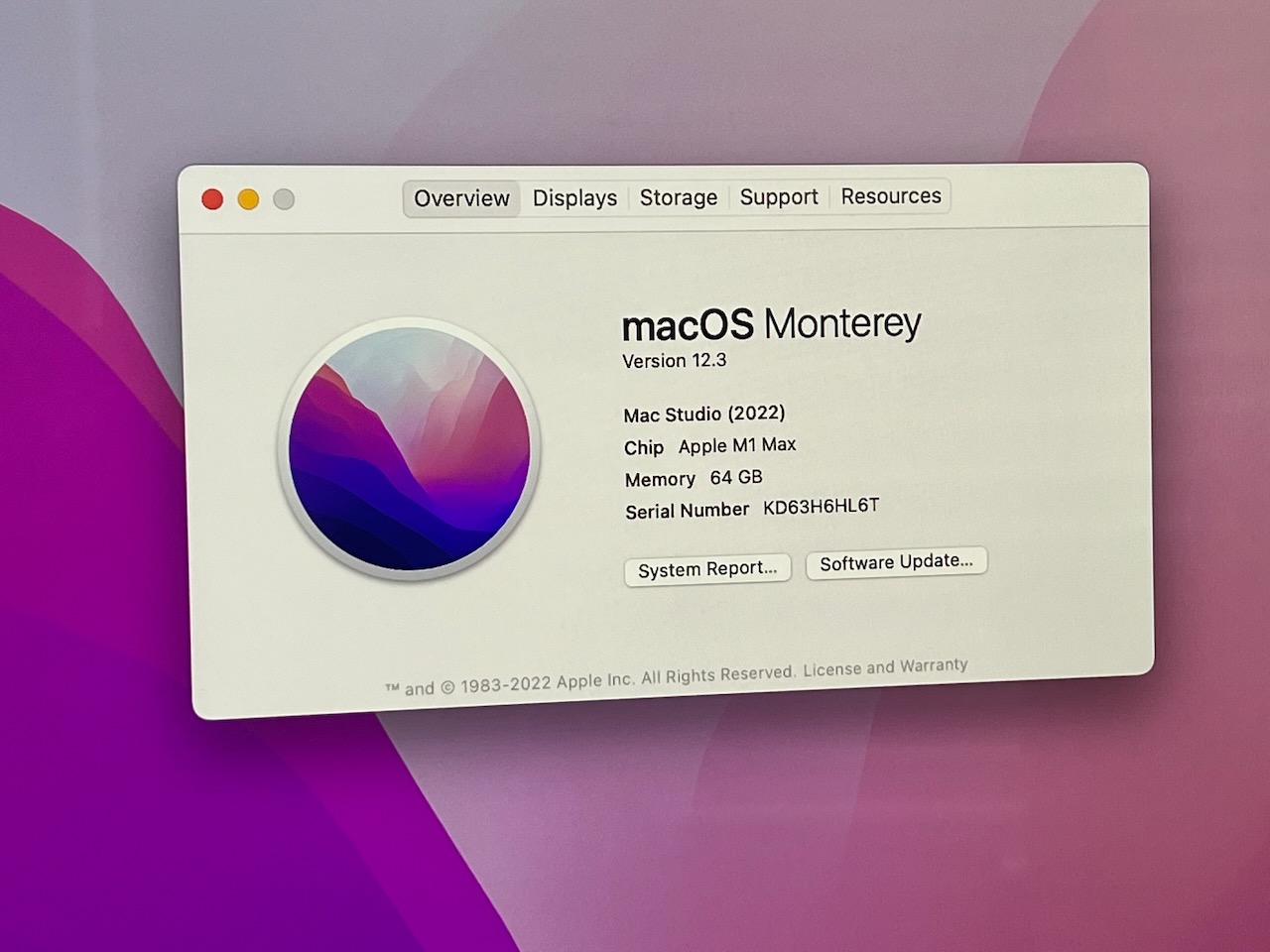
The Mac Studio we were sent for review was powered by the M1 Max processor with 64GB unified memory along with the regular tiltable Apple Studio with standard glass.
To be frank, using the Mac studio for our day-to-day tasks would be like using a sledgehammer to crack an egg. It’s way more computer than we need.
But I’m putting myself in the shoes of a developer or a video editor who’s dealing with multiple video tracks or huge 3D files and the amount of time it would take to not only ingest that content into the system but then edit and manipulate it to produce the final product.
We’ve heard from some high-end developers and editors and they are justifiably excited to get their hands on this computer and put it through its paces.
To them this is a game changer.
One developer, who spoke during Apple’s launch event, said they didn’t even have time to stir their coffee buy the time the Mac studio had already rendered their file – a task that usually takes a lot longer.
That speed and efficiency is what these users are looking for because it’s this same speed and efficiency that can save them money with their production or their project.
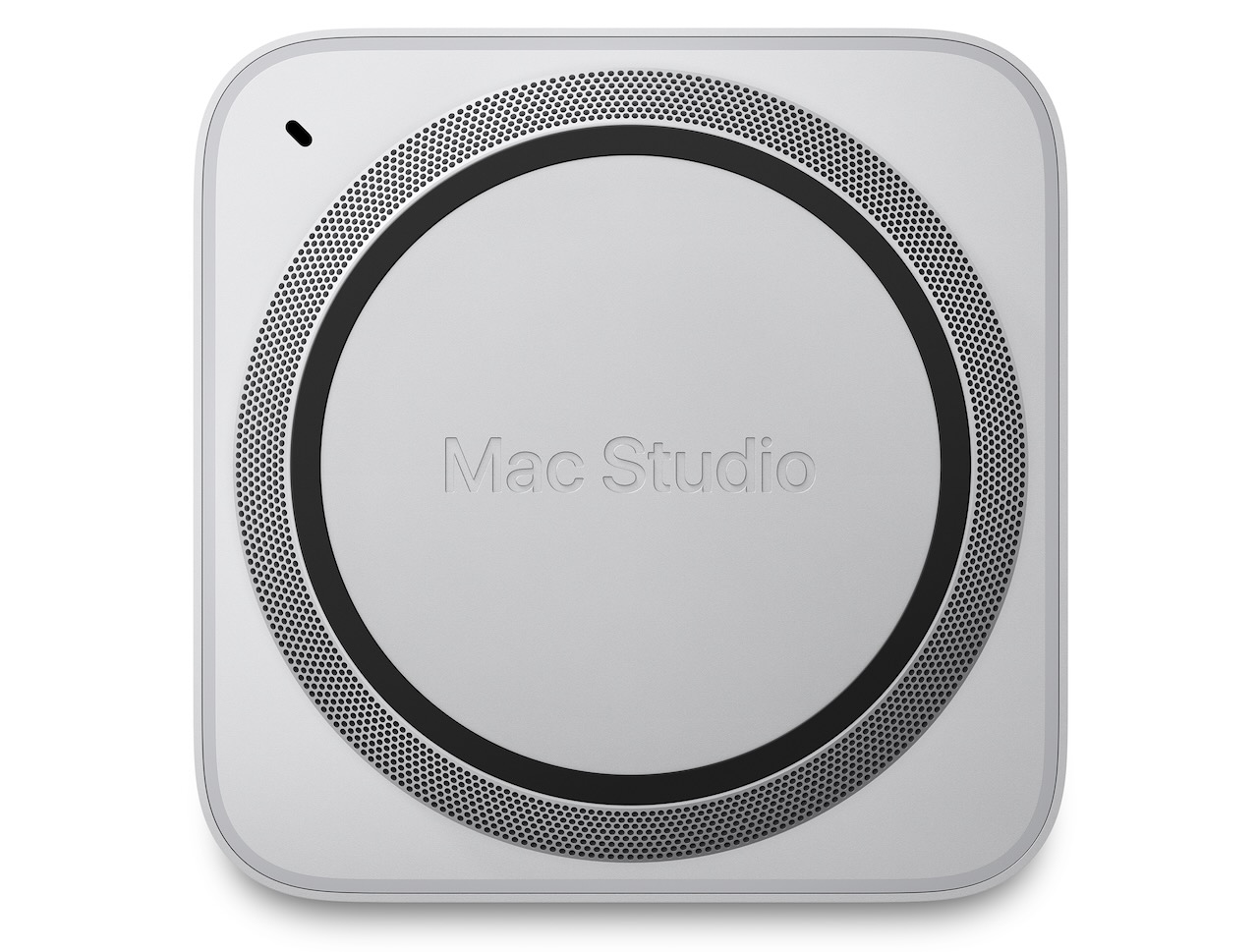
On the design side, the Mac Studio looks like three Mac minis stacked one on top of the other.
It’s quite compact and is small enough to rest perfectly below the Studio Display.

On the front are two Thunderbolt 4 ports and an SD card reader.
Meanwhile, on the rear panel, you’ll find four more Thunderbolt 4 ports, an Ethernet port two USB Type A ports, a HDMI port, a headphone jack and the power port.
Above the ports on the rear panel is a grill that takes up about 2/3 of that surface to ensure the M1 processor under the hood has plenty of ventilation.
We used Photoshop and Final Cut Pro and it was immediately obvious the system was quite capable to fly through our tasks of editing photos and videos.
Editing videos, we noticed that scrubbing through clips was effortless and instant as was applying different effects, transitions and titles.
We can only imagine how much easier the Mac Studio makes the job of editing multiple 8K video streams and far more sophisticated projects.

A music producer could literally have hundreds of tracks in one project and the Mac Studio would easily be able to handle that kind of load.
And, of course you, can connect Mac Studio to Apple’s Studio Display through one of the Thunderbolt 4 ports.
Users can also choose to connect another monitor.
The Apple Studio Display – priced at $2,499 – has its own A13 Bionic chip, 600nits brightness, a 12-megapixel camera and a six-speaker system that supports Spatial Audio and Dolby Atmos.
The display has three Thunderbolt 4 ports to connect up to two other Apple Studio Displays or other monitors and peripherals.
Users can also connect and charge a MacBook Pro.
We watched a movie on the display and it offered the same quality of a smart TV.

The screen can be tilted to suit your viewing angle, but you’d need to invest another $600 to purchase the tilt and height adjustable Studio Display ($3,099).
There’s also the option of standard glass and nano texture glass which costs an extra $500 and further minimises glare and reflection.
The Mac Studio – once configured before purchase – cannot be upgraded or charged. You’re locked in.
You can’t tinker with it and add memory – like you could with the older iMacs.
It’s also not cheap. The Mac Studio starts at $3,099 for the M1 Max version and from $6,099 for the M1 Ultra.

And adding things like more unified memory (up to 128GB) and storage (up to 8TB) – can really add up as well.
You also don’t get a keyboard or mouse or trackpad so if you don’t already have one – so that’s another expense.
But you need to keep in mind the type of user who will buy this product.
It could be a film editor working on a multimillion dollar motion picture or a music producer working on an album.
To them this is an investment not a cost.
Sure it might be out of our league – our 14-inch MacBook Pro and 27-inch iMac are more than enough for us.
But for those creators who are pushing the envelope with their imagination and ambition needs a computer like the Mac Studio to push the envelope with them and provide the headroom to turn their ideas into reality.
VERDICT
The Mac Studio is an absolute powerhouse and offers unmatched performance for the user who doesn’t want to be limited by their computer’s capabilities.


